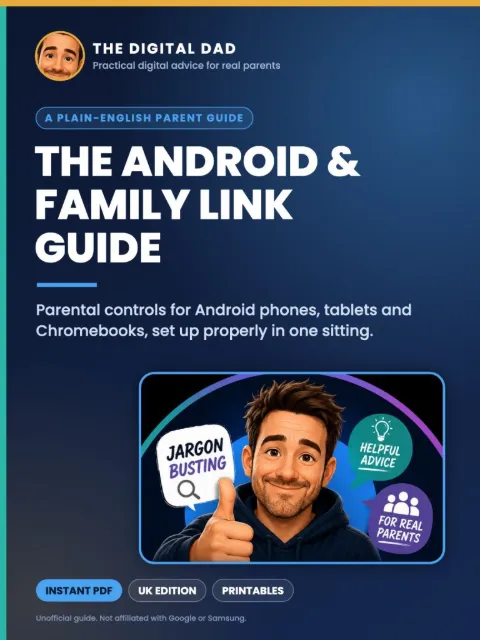
Looking for clear help with Google Family Link? The Android & Family Link Parent Guide shows you how to set up parental controls on your child’s Android phone, tablet or Chromebook properly, in one sitting, in plain English.
One app. Every Android device.
Samsung, Pixel, Motorola and almost every phone that isn’t an iPhone runs Android, and all of them can be managed with Google’s free Family Link app. This guide explains every setting that matters, and what changes when your child turns 13.
£4.99 · 16-page PDF · Instant download
What’s inside
- What Family Link can and can’t do
- Setting up on a new device, or one your child already uses
- Apps: approvals, age ratings, app limits and permissions
- Screen time: daily limits, Downtime overnight and School time
- Location, arrival alerts and finding a lost phone
- Google Search, Chrome and YouTube settings
- Samsung phones, Chromebooks and Android tablets
- What happens at 13, and how to plan for it
- Fixing the most common Family Link problems
- Printables: setup checklist and a settings-by-age table
Questions parents ask
Is Google Family Link free?
Yes. Family Link is a free app from Google. This guide explains how to set it up and which settings matter.
Can I use Family Link if I have an iPhone?
Yes. You can install Family Link on an iPhone to manage your child’s Android device. Family Link can’t supervise an iPhone or iPad, though.
What happens with Family Link when my child turns 13?
Google emails you both. Supervision carries on unless your child updates their account, and they need your approval to stop supervision until they’re 18. The guide explains how to plan for it.
Does it work on Samsung phones?
Yes. Family Link works on Samsung and almost all other Android phones and tablets.
How do I get it after buying?
Checkout is handled securely by Payhip. Straight after payment you’ll get an email with your download link.
Is this an official Google guide?
No. It is an independent, unofficial resource and is not affiliated with Google or Samsung.